
Android built to function. Verified by shipping it.
Every project below was handed to real users. No demos, no mockup decks — interface states that work under load and make sense without a manual.
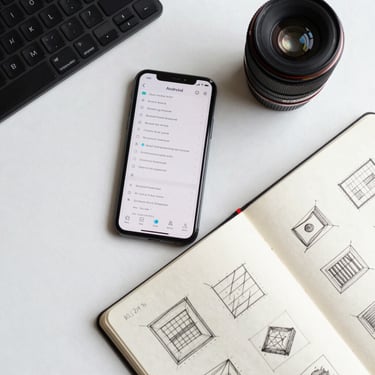
Real states. No dead UI.
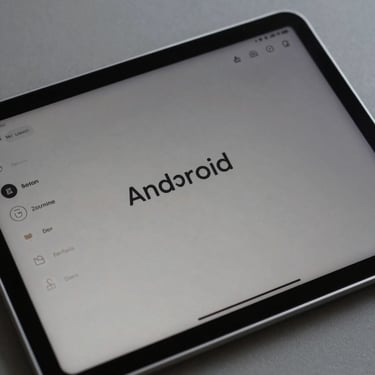
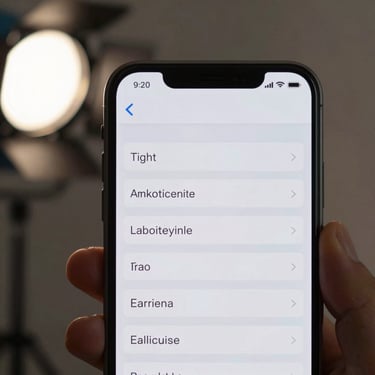
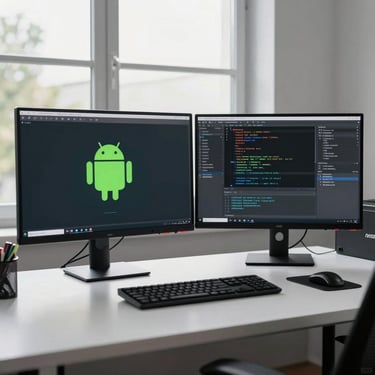
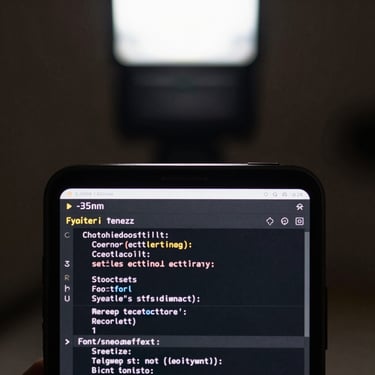
Each screenshot is an actual application state — taken from production builds, not staged for presentation. Architectural constraints are visible in the layout.
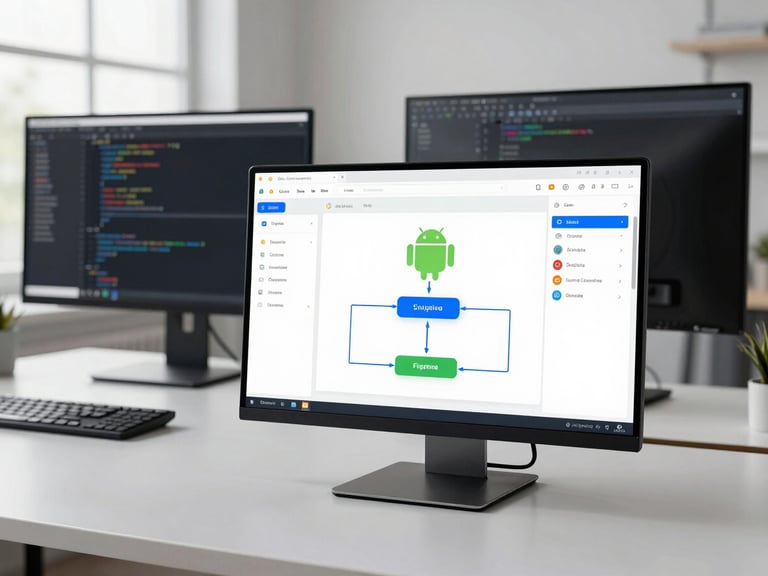
Field ops without the training overhead
Teams in the field needed status tracking and task dispatch on Android — the prior tool required a 40-minute onboarding session. We reduced it to zero documented steps.
Monitoring that stays out of the way
An internal data pipeline needed Android visibility without a dedicated ops screen. We scoped the interface to three deliberate states — no alerts without action, no data without context.
Have a problem worth solving?
We start with the constraint, not the feature list. If you know the problem, that's enough to begin.